The Crawling Gorilla
A downloadable game
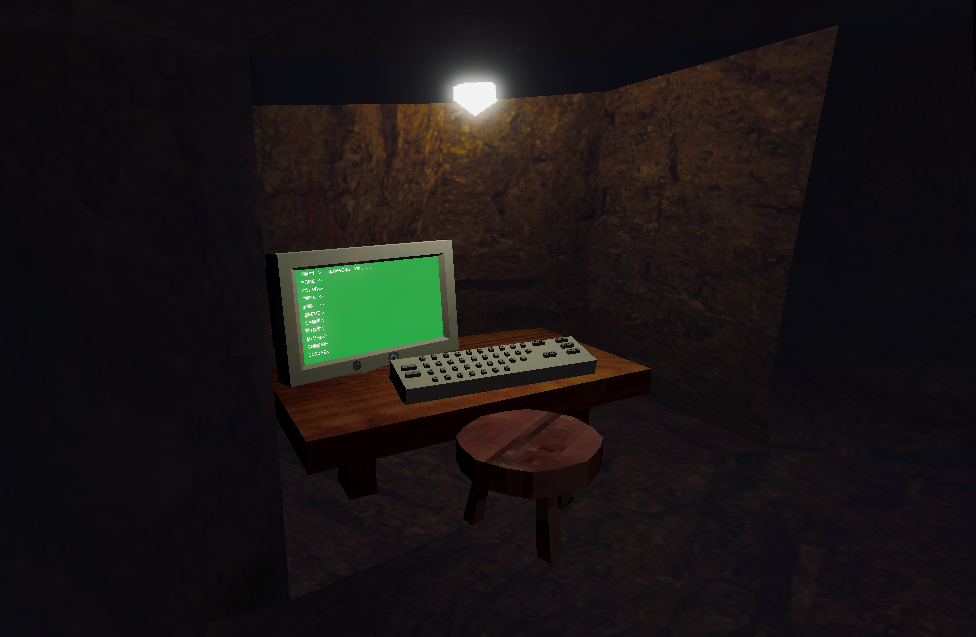
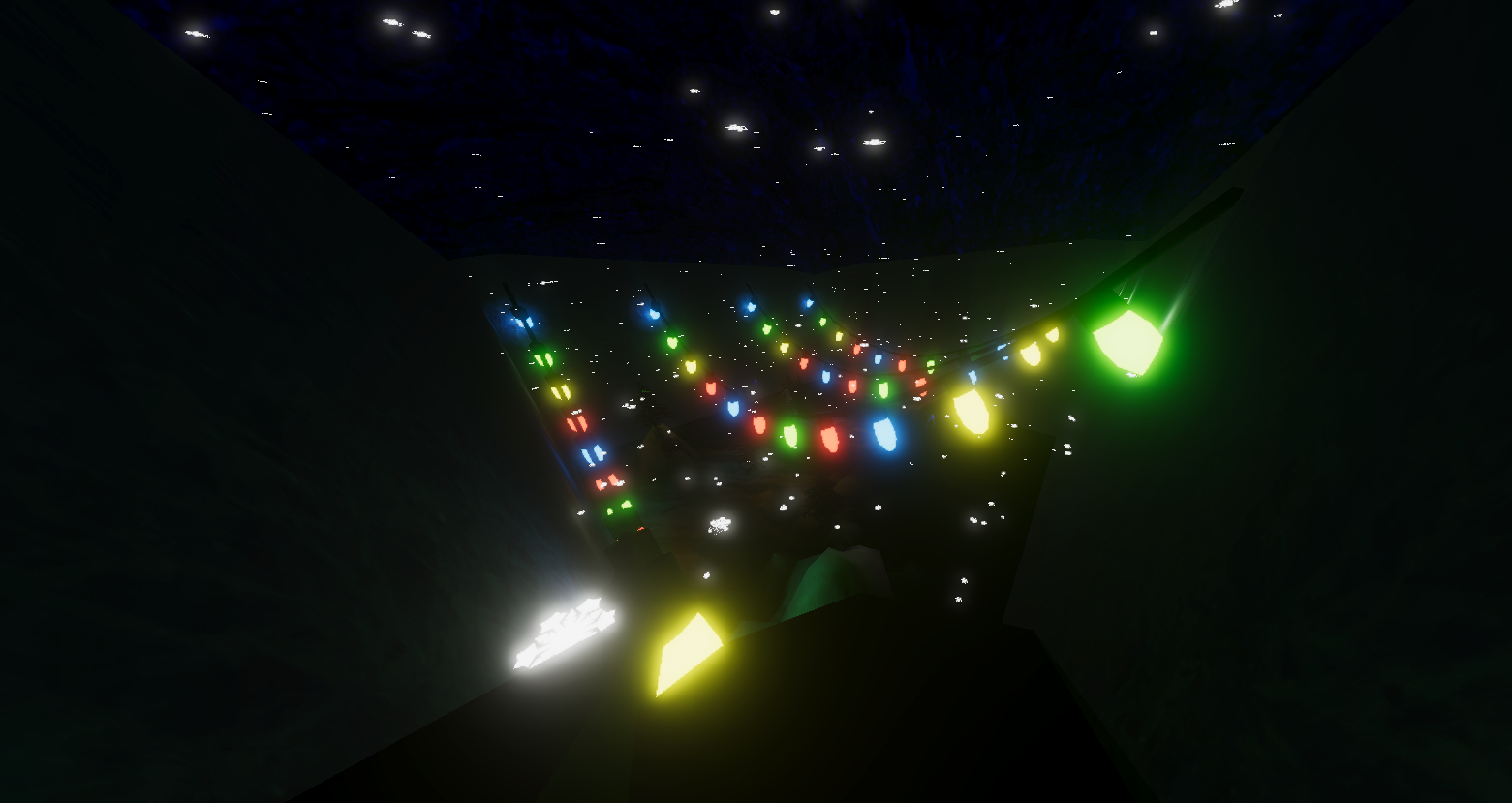
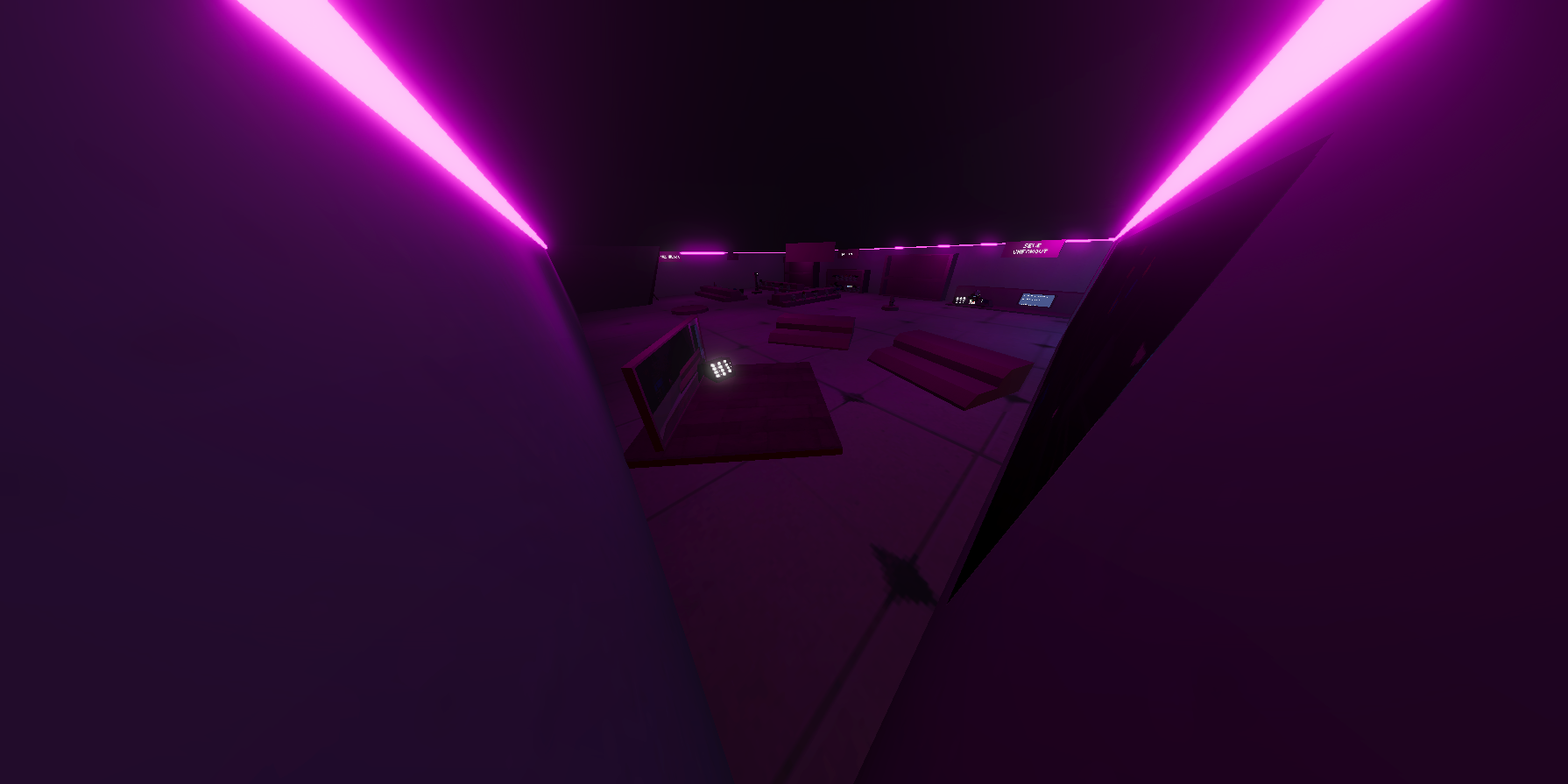
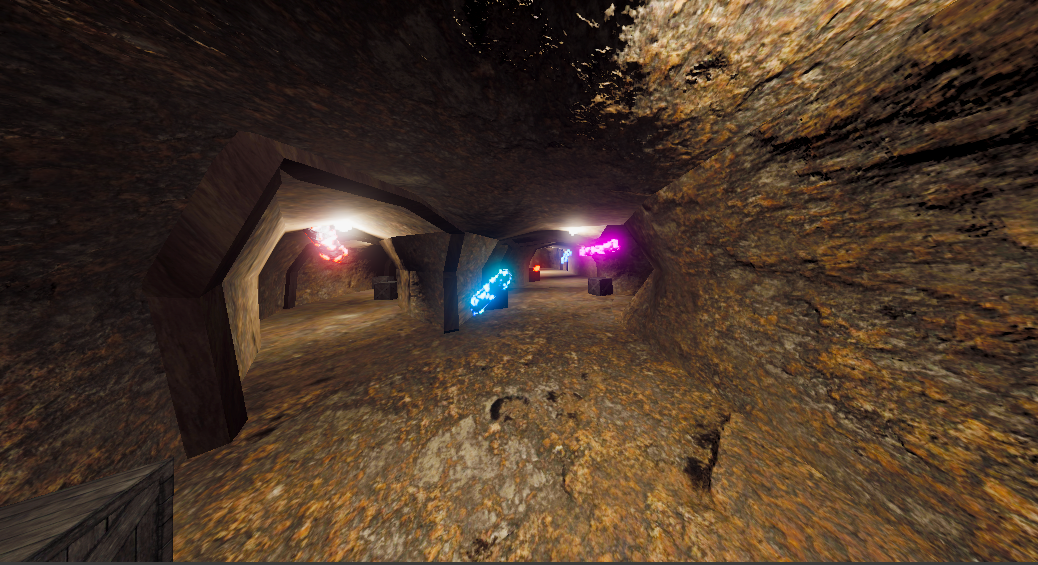
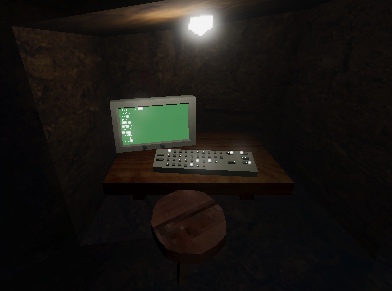
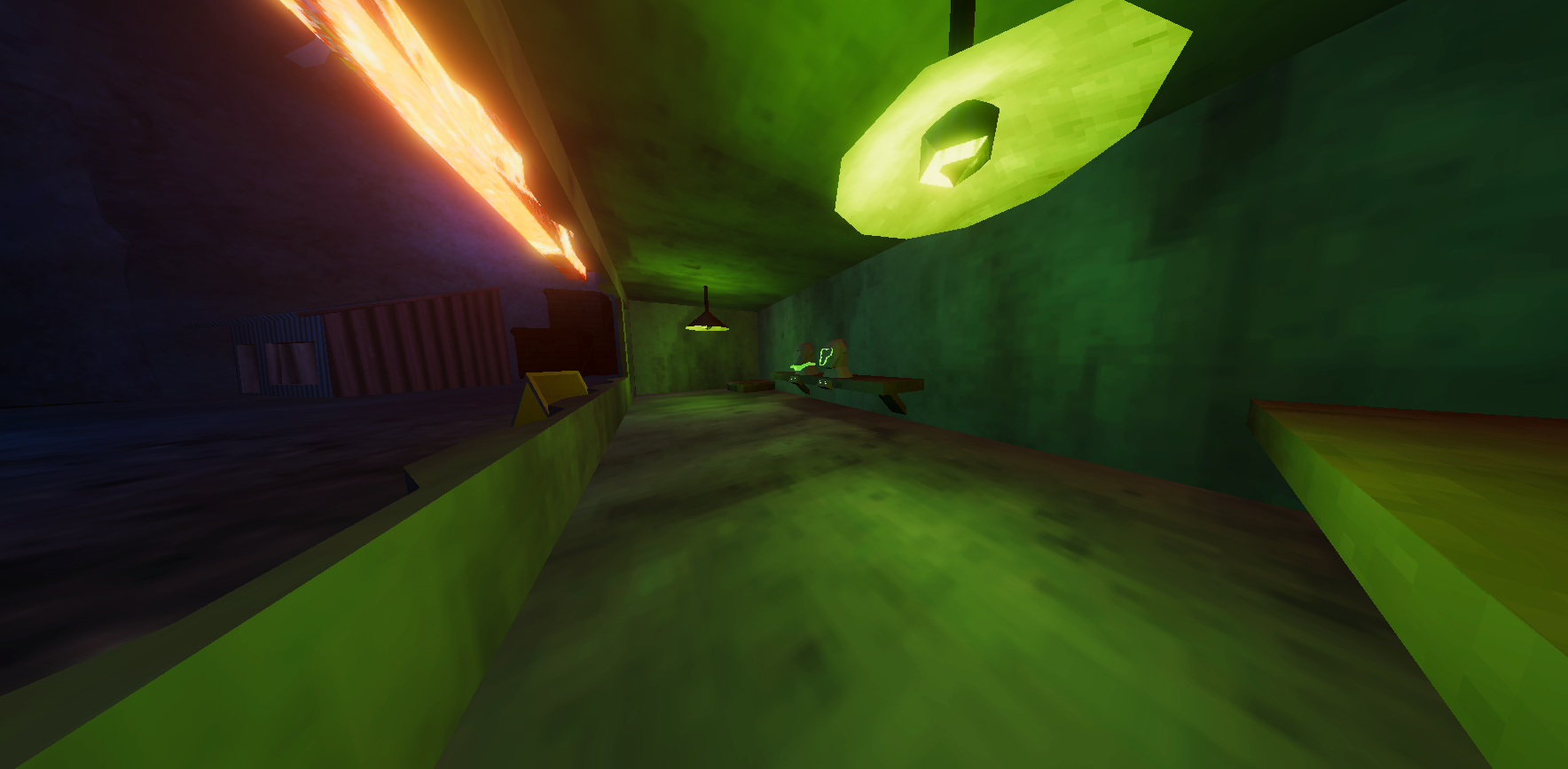
This is a semi gorillatag copy but it has horror and other amazing features like jumpscares, custom cosmetics and a great community. If you do decide to play our game can you change your name from GORILLA3473 it messes with playfab and it is bannable. Have Fun and stay safe.
Download
Install instructions
HOW TO INSTALL OCULUS / QUEST APK FILES USING MOBILE VR STATION
This tutorial explains how to load and install APK files onto a Meta Quest headset using Mobile VR Station on iOS. This method requires that your Quest is in Developer Mode.
1. ENABLE DEVELOPER MODE ON YOUR QUEST
Open the Meta Quest app on your phone.
Sign in and pair your headset.
Go to Menu > Devices and select your headset.
Scroll down and enable Developer Mode.
Restart your headset.
2. INSTALL MOBILE VR STATION (IOS)
Open the App Store.
Search for Mobile VR Station.
Download and open the app.
3. CONNECT YOUR HEADSET TO YOUR IOS DEVICE
Plug your Quest into your iPhone/iPad using a USB-C to USB-C or USB-C to Lightning adapter (depending on your device).
When the popup asks to allow USB debugging, select Allow inside your Quest.
If it asks to trust the computer on your iPhone/iPad, tap Trust.
4. LOAD THE APK INTO MOBILE VR STATION
Download the APK file to your iOS device.
Open Files app and locate the APK.
Tap Share, then choose Open in Mobile VR Station.
The file will appear in the app’s storage list.
5. INSTALL THE APK ONTO THE QUEST
Open Mobile VR Station.
Go to the Tools tab.
Tap Quest Tools / App Installer.
Your connected headset should appear.
Select your APK from the file list.
Press Install APK.
Wait for the installation to complete.
If it says Success, the app is now installed.
6. FIND THE INSTALLED APP ON YOUR QUEST
Put on your Quest headset.
Open Apps.
Change the filter from All to Unknown Sources.
Your installed APK will appear there.
7. LAUNCH THE GAME
Select the app under Unknown Sources to run it.
Comments
Log in with itch.io to leave a comment.
ok
I made it look 30X better